Turn individual needs into coordinated classroom support.

Services for Schools

Make progress visible. Connect individual plans, everyday teaching and learning evidence so teachers, school leaders and families share a clearer understanding of each student’s support.

Start with the student’s strengths and priorities. Bring goals into classroom activities, review what happens, and use that evidence to plan the next useful step.

Book a SENBOX demonstration

Understand each student. Plan support together.

Build a shared picture before deciding what to teach and how to support participation.

Start with strengths and family priorities

Bring together interests, strengths, support needs and existing observations in the student’s record. Family priorities add context: what matters at home, which routines are difficult, and what the student enjoys.

Turn observations into an individual plan

Use this shared understanding to inform an individual education plan (IEP), behaviour support plan (BIP) and suitable classroom activities. Agree meaningful priorities and practical strategies for the people supporting the student.

Give behaviour its context

Record what happened before, during and after a behaviour, alongside relevant observations. Reviewing patterns helps the team discuss support and adjust strategies with a clearer evidence base.

Connect goals with everyday teaching.

Keep individual targets connected to the curriculum and the activities happening in class.

Prioritise targets within your curriculum

Select the goals that need attention and connect them with the curriculum your school follows. A shared class topic can still include different targets, levels of difficulty and ways for students to respond.

Choose and adapt a suitable activity

Select resources for the student’s current goal and adapt the instructions, format or level of support. Use digital activities, printables or physical materials as appropriate. For example, students exploring the same story might read, match pictures or choose a response using communication support.

Make routines and transitions clearer

Use visual timetables to show what is happening now and what comes next. The Color Timer provides a visual reference for time during an activity or transition, helping staff explain the routine consistently.

Give students ways to participate

Augmentative and alternative communication (AAC) supports students in expressing choices and taking part in activities. Pair communication support with the lesson so a student has a way to choose a material, respond to a question or contribute to a shared task.

Connect planning with classroom experience.

The two-way connection between the learning management system (LMS) and student app links planned support with what happens during teaching.

Send planned support to the app

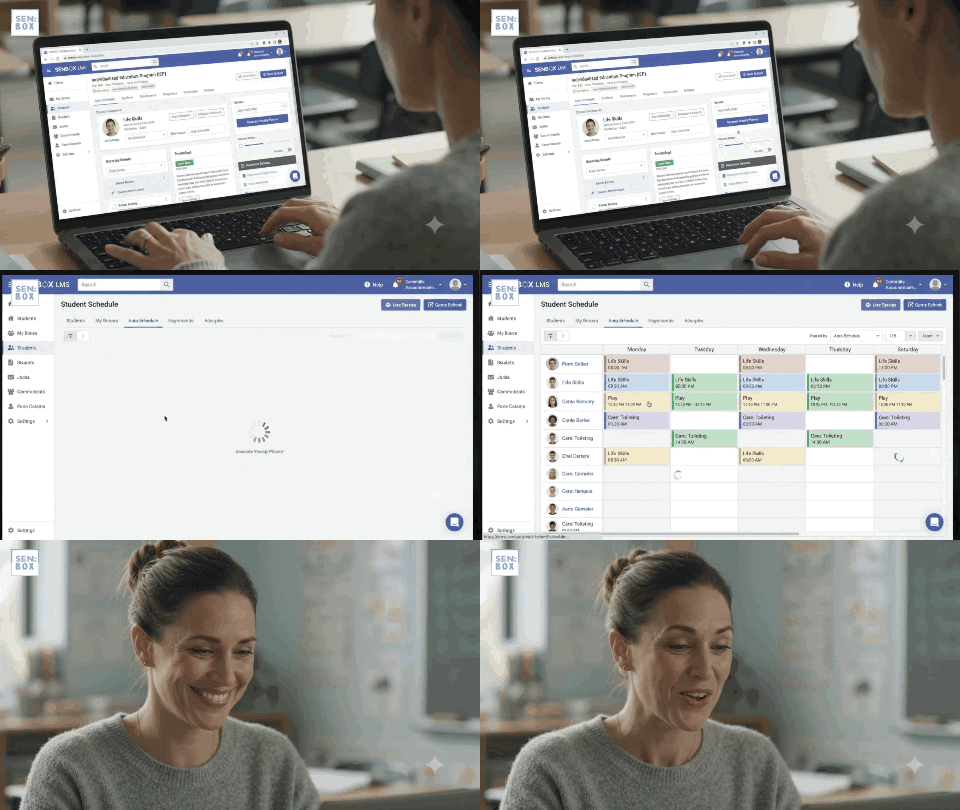
Bring planned activities and teaching schedules from the LMS to the student’s app. Teachers work from the agreed goals while using the communication and activity supports suited to the learner.

Bring teaching observations back

Recorded responses and teacher observations return to the LMS to inform review. A team might revisit an activity after noticing that the student needed more prompting, then choose the next teaching step.

Keep continuity when staff change

Shared records keep goals, routines, communication methods and observations available for staff handovers. The next teacher or learning assistant can review what was tried and what support was needed before continuing the plan.

Track progress. Build useful evidence.

Look at performance and independence over time, alongside the context teachers record.

Record learning as it happens

Keep activity performance, the assistance required, teacher observations and relevant photo evidence connected to the student’s goals. A completed task and the level of prompting needed tell different parts of the learning story.

Review change over time

Compare evidence across teaching sessions to recognise achievements and notice slower progress. Staff can identify where closer attention, further discussion or a different teaching approach may be needed; interpretation remains with the team.

Turn daily records into reports

Automated reporting brings recorded learning evidence together for review. Use it to prepare progress updates and IEP meetings, explaining what was taught, what changed and which priorities need attention next.

SENBOX Red flag alerts illustration
Status and red-flag alerts Follow up on matters brought to the team’s attention alongside the learning evidence.

Work with families. Connect professional input.

Coordinate practical support around shared goals, across school and home.

Share resources for familiar routines

Share suitable activities and resources with families. For example, a teacher might send a visual routine or communication resource used in class so a parent can use familiar support during a similar activity at home.

Bring professional perspectives together

Multidisciplinary case management supports text and video messages between teachers, therapists and other specialists. Share observations and recommendations around the student’s goals, then discuss how to apply them in classroom activities.

Make reviews easier to follow

Bring goals, observations and progress evidence into conversations with families. Agree what to continue, what to practise at home and what to review next, with clear priorities for the people involved.

Develop staff. Support school leadership.

Connect professional learning and day-to-day organisation with the support students receive.

SENBOX Staff KPIs and professional development illustration
Staff KPIs and professional developmentConnect staff oversight with training and professional growth.

Build practice with WIKISEN

WIKISEN and professional development resources support ongoing staff learning. Use a current classroom challenge—such as adapting an activity or recording support levels—to guide the resources and training your team explores.

Give staff shared priorities

Connect learning assistants, teachers and specialists around agreed goals, support strategies and evidence collection. Use observations from daily practice to identify where further guidance or professional development would help.

Keep resources ready for teaching

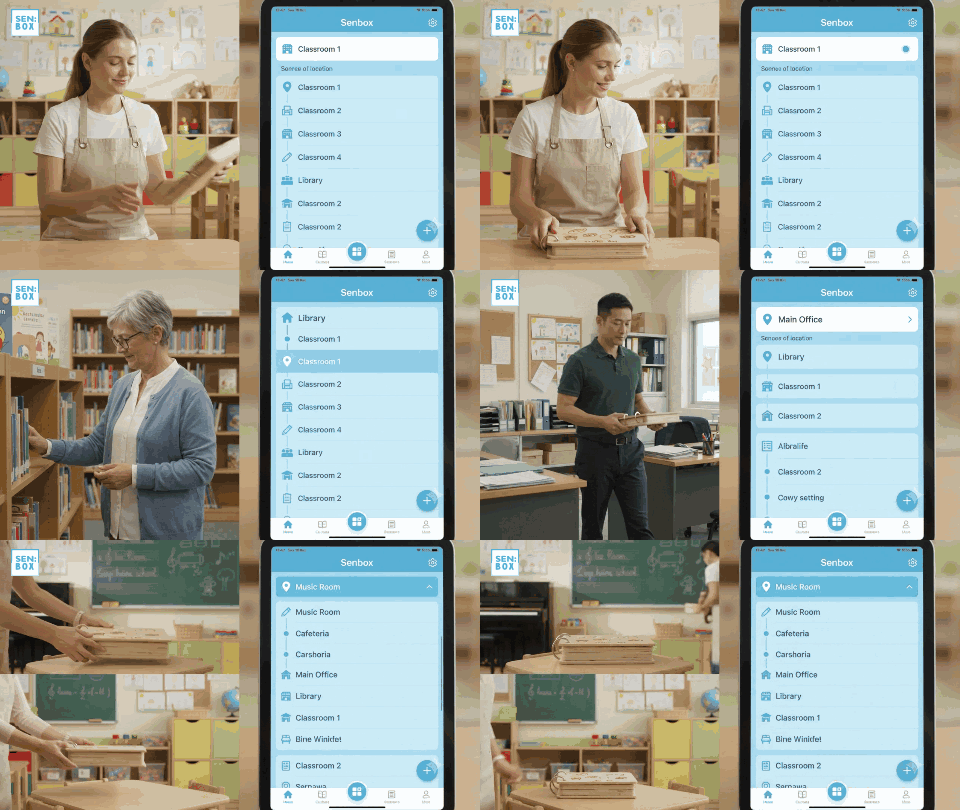
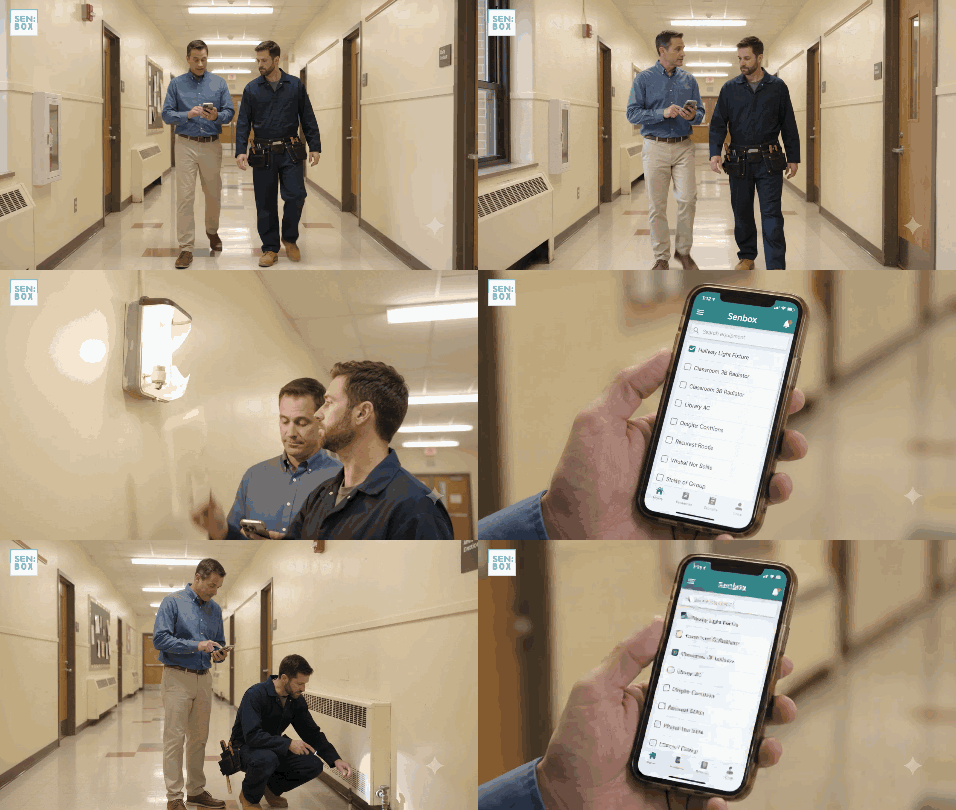
Resource and inventory management help staff locate materials linked to planned activities. Repair tracking keeps equipment needs visible, so preparation includes checking that the materials needed for a lesson are available.

Add schoolwide context where useful

Attendance tracking and schoolwide wellbeing records support wider school review. Consider them alongside classroom observations when discussing participation and support, while keeping individual goals and progress central.

SENBOX Inventory tracking illustration
Inventory trackingTeaching resources connected to their classroom locations.
SENBOX Repair tracking illustration
Repair trackingKeep equipment and resource repair needs visible to your team.

SUPPORT FOR SCHOOLS

A structured implementation pathway.

Agree a rollout around your school’s priorities: review current practice, configure the selected tools, prepare staff, pilot the workflow and review what needs adjusting.

  1. Assess current practice
  2. Map needs and priorities
  3. Configure tools and workflows
  4. Train educators and leaders
  5. Pilot and refine
  6. Launch the agreed framework
Discuss your school’s implementation →

“It was clear that the attention Mr. Mueller gives to training and supporting his team of professionals is allowing the students to thrive.”

Kristin Sohl, MD, FAAPProfessor of Pediatrics, University of Missouri Health Care; Executive Director, ECHO AutismProfessional letter · 4 January 2024

A team behind your implementation

“The physical setting is warm and inviting from the moment one enters through the front gate.”

Barry Bullis, EdSAdjunct Professor, Pace University School of EducationProfessional letter describing a school visit in 2022

Our model centre: development through daily practice.

Our only model centre is in Ho Chi Minh City, Vietnam. We built the project there to support children in need and continue to refine the framework through assessments, individual learning plans, teaching, communication support and daily living skills programmes.

SENBOX’s educational foundation is international. Schools use the framework with their own curriculum, including curricula linked to US Common Core standards, as well as UK, Australian, New Zealand and other curriculum frameworks.

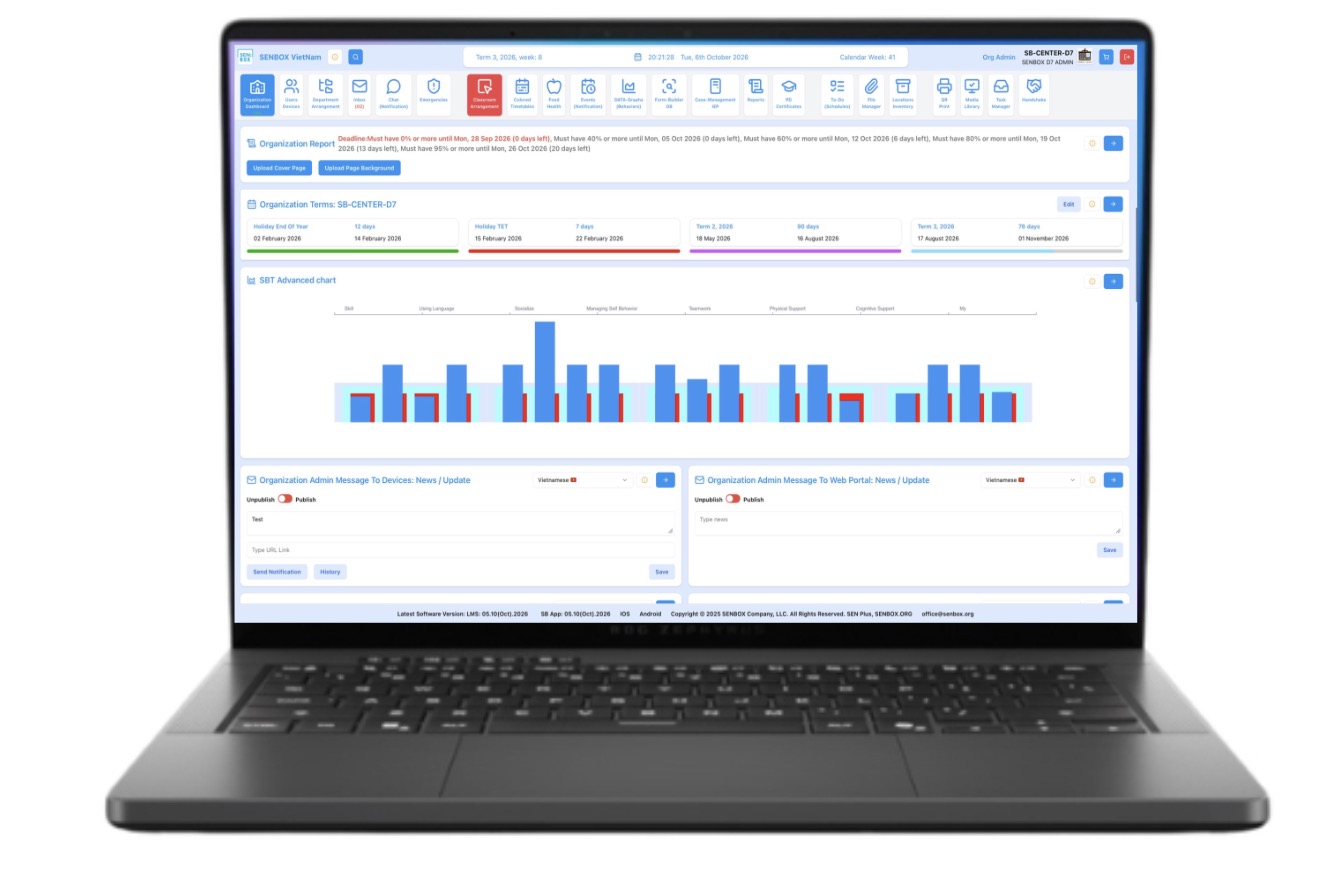
A connected view of your organization

SENBOX organization dashboard displayed on a laptop

SECURITY AND STUDENT DATA

Clear controls. Evidence for your school’s review.

Review SENBOX’s security register, access model and data-handling requirements as part of your school’s evaluation. Confirm implemented controls and outstanding verification items for your deployment before onboarding.
A register of technical controls

The Security Register tracks encrypted backups, HTTPS in transit, encryption at rest, development and production separation, monitoring and logging, patching, and role-based access control. Schools can request the current evidence and verification status.
Student data stays within its educational purpose

SENBOX’s stated privacy requirements exclude student data from advertising, unrelated analytics, and AI training. District control over record use, maintenance and redisclosure restrictions must be reflected in the agreed data-handling arrangements.

Encryption with settings verified

HTTPS is the stated standard for connections. Storage, bucket-level and database encryption settings require verification for the deployed environment; a cloud provider’s default encryption does not establish that every component has been checked.

Permissions matched to responsibilities

The access model distinguishes Super Admin, Organisation Admin, Staff and Parent roles, including staff access from organisation and personal devices. Server-side enforcement is required to prevent unauthorised access.

Controlled access for Vietnam-based personnel

The stated requirements include de-identified or synthetic development data, named accounts, multi-factor authentication and logged activity for production access. Schools should confirm permitted overseas access and applicable restrictions in their agreement.

Audit trails for significant actions

Logging requirements cover logins, failed attempts, edits, exports, deletions and support access, without unnecessarily copying sensitive document contents into logs.

Backup and recovery arrangements

The supplied technical information describes seven days of database backups on an AWS EC2 virtual machine and an estimated database restoration time of 15–30 minutes. This is a database restoration estimate; recovery testing, backup protection and service recovery commitments need confirmation.

Incident and breach procedures

Staff are required to follow defined reporting, triage, containment and notification procedures for incidents such as unauthorised access or lost devices. Schools can request the response procedure and agreed notification arrangements.

Subprocessor review

External providers, including AWS services and Firebase authentication where used, must be inventoried and reviewed for data access, retention and contractual protections. Request the current subprocessor list during procurement.

Request security documentation

Built by a connected team

Software development is part of the wider SENBOX framework, alongside teaching, resources and implementation support.

SENBOX Staff KPIs and professional development illustration
Staff KPIs and professional developmentConnect staff oversight with training and professional growth.
SENBOX Teacher, therapist and doctor modes illustration
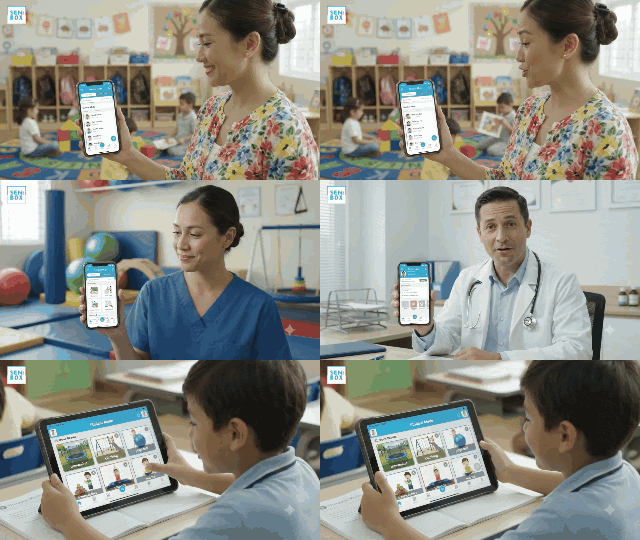
Teacher, therapist and doctor modesSupport different professional roles within a coordinated learner programme.

OUR SERVICE-DELIVERY WARRANTY

Clear commitments before you start.

The service-delivery warranty covers the commitments set out in your agreement.

What will be delivered

Agree the resources, training, digital access and professional support included.

When it will be delivered

Confirm the delivery schedule, reporting and review arrangements.

How concerns are handled

Agree the conditions, process and remedies for a service-delivery concern.

The warranty concerns agreed service delivery. Individual progress varies; it is not a promise of a particular educational outcome.

Discuss service commitments →

Bring your students, staff, and families together.

Book a SENBOX demonstration.