Plan → activity → progress evidence → team review → family update.
Ask SENBOX to demonstrate the current modules and confirm availability, languages and subscription inclusions.
WHAT CONNECTS THE SENBOX FRAMEWORK
Plan. Teach. Communicate.Report automatically.
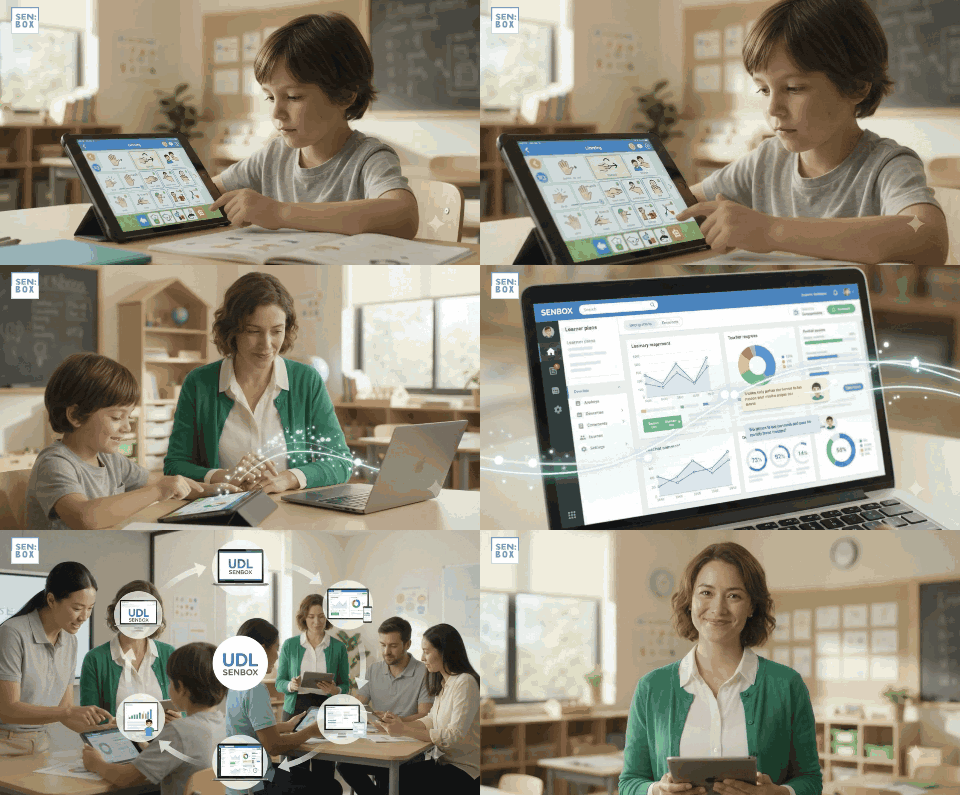
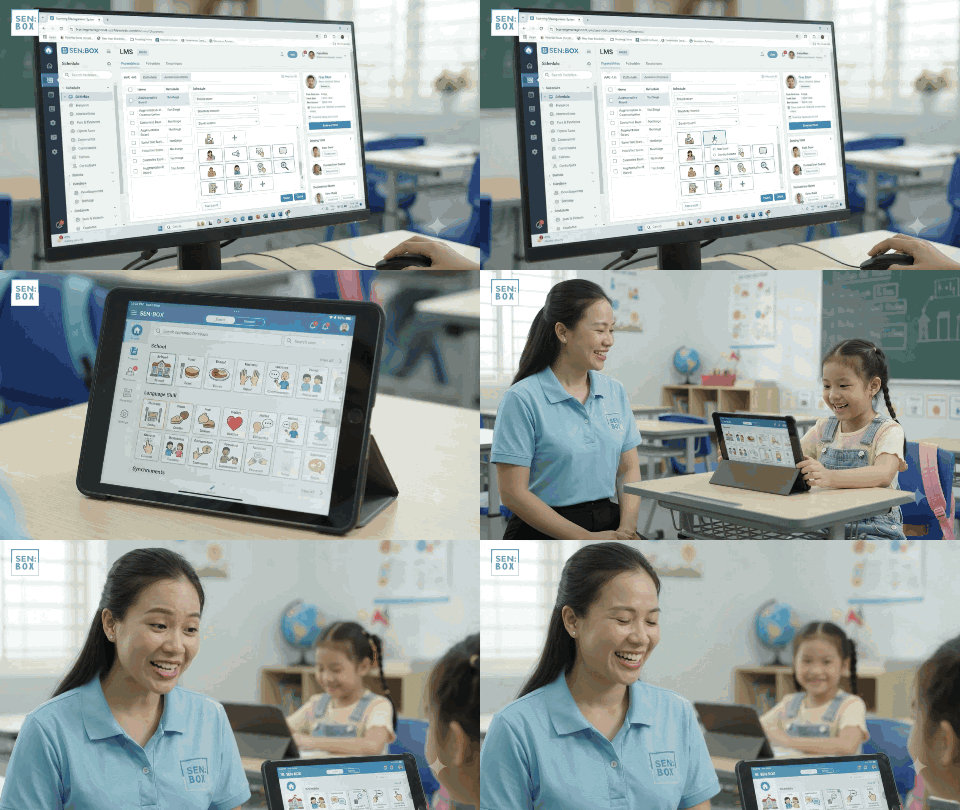
SENBOX combines an LMS, a connected UDL/AAC learning app, fully automated reporting, and staff management and training tools. Lesson plans and schedules flow to the app; learner responses, teaching input and teacher comments return to the LMS in real time and feed the reporting system.
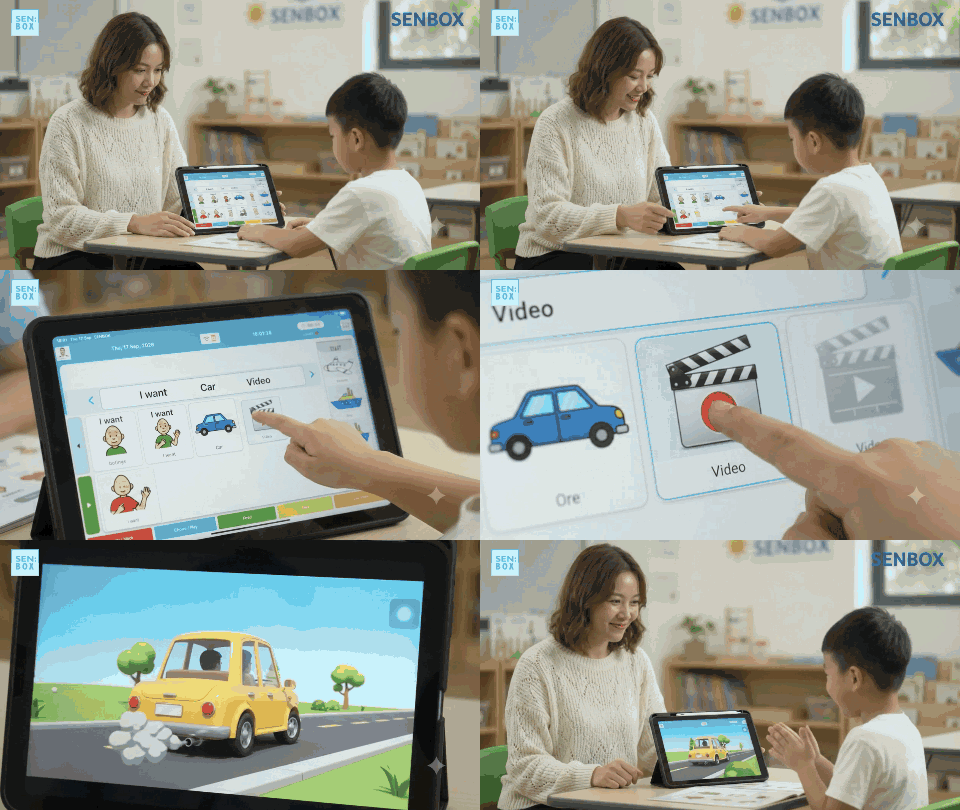
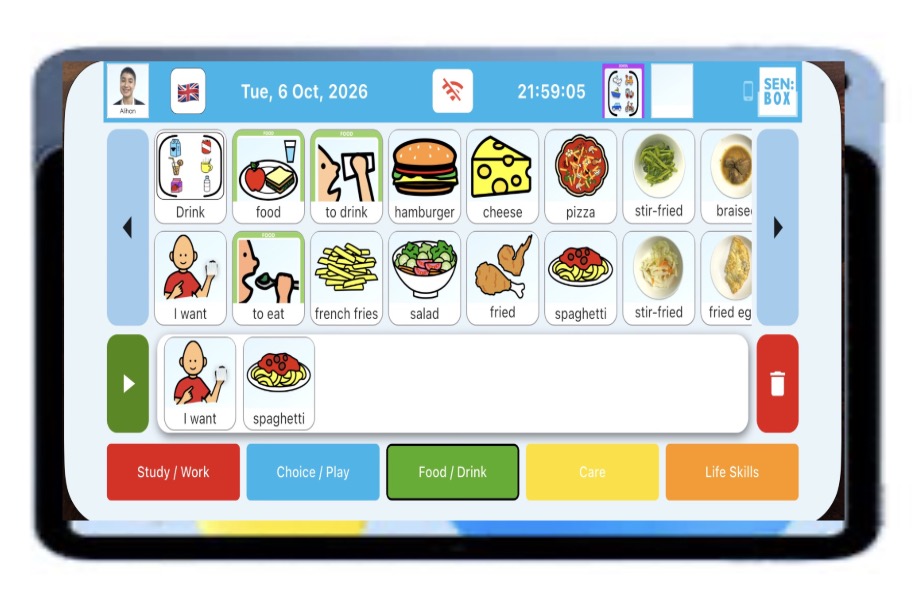
AAC and LMS, connectedLearner communication and teaching evidence stay connected to individual plans.Remote AAC setupConfigure communication resources through the connected LMS.AAC access to learning gamesSee the SENBOX app in action.
Live exchange between LMS and app
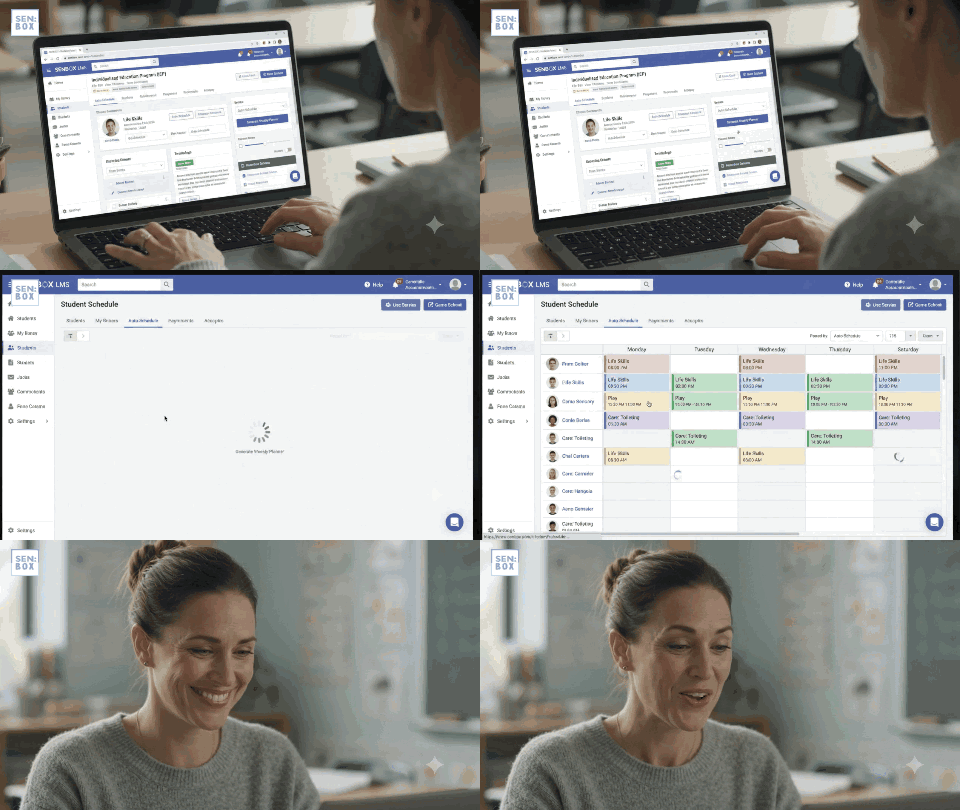
Lesson plans and teaching schedules flow from the LMS to the connected app. Learner responses, teaching input and teacher comments flow back, keeping classroom evidence connected to planning throughout the teaching day.
Communication within learning
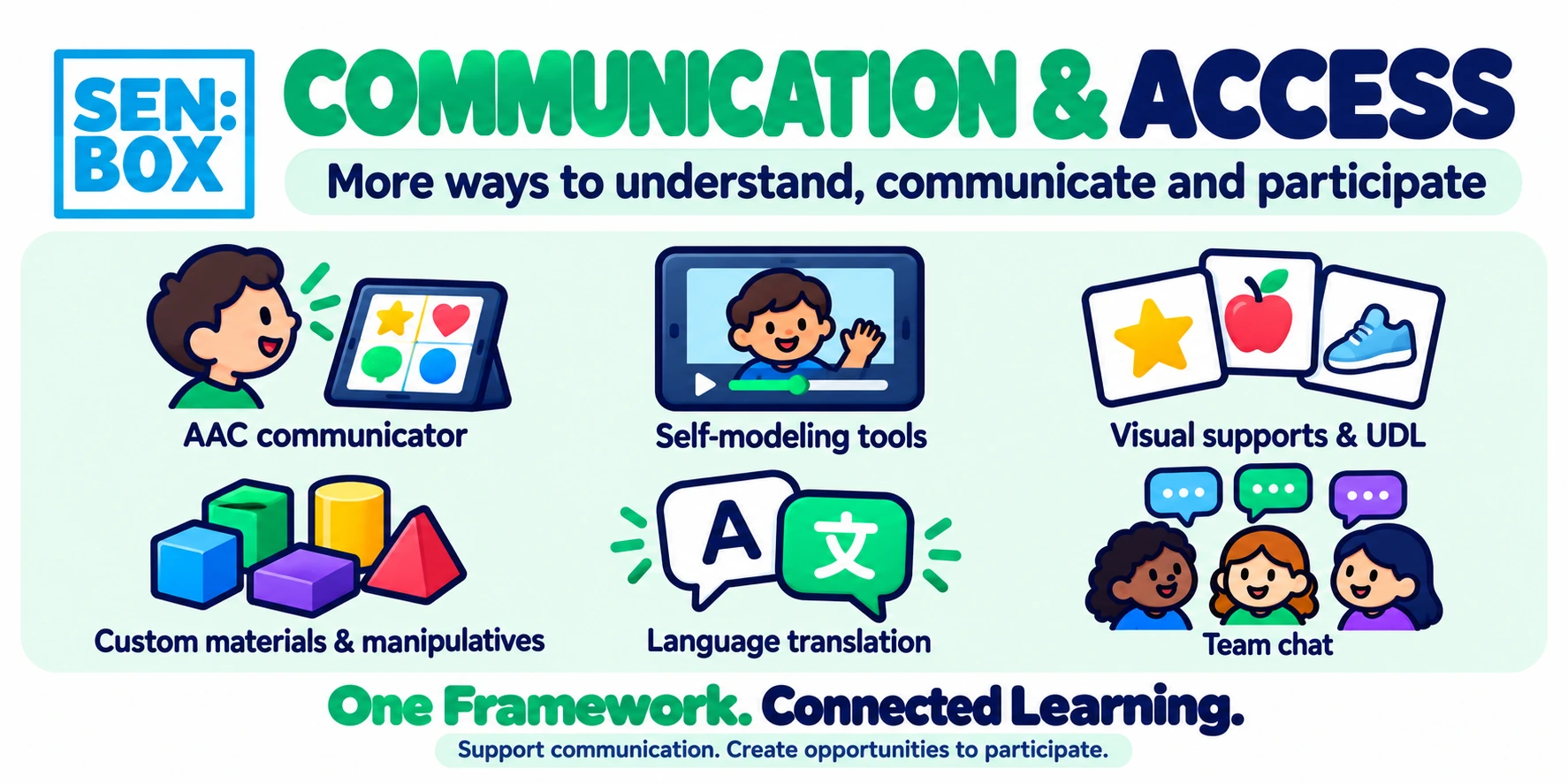
Universal Design for Learning (UDL) and Augmentative and Alternative Communication (AAC) support access, participation and communication within lesson activities.
Fully automated reporting
Recorded activities, learner performance and teacher comments flow into the reporting system, reducing the need to compile teaching records manually.
Individual skills and independence
Track progress towards individual goals across academic, communication and daily living skills, including the assistance each learner requires.
Staff management and training
Manage staff and deliver training through the LMS, connecting team organisation and professional development with everyday learner support.
Digital and physical resources
Deliver resources through the app, print them or prepare physical materials, offering different ways to access the same learning goals.
A continuous flow through the teaching day
A teacher receives a scheduled lesson in the app, records the learner’s responses and adds comments during teaching. That information returns to the LMS and feeds the automated report system. Staff management and training tools support the team delivering the work.
Mainstream LMS platforms vary and some offer overlapping capabilities. SENBOX’s distinction is the integration of these functions around special education and inclusion: individual teaching, AAC access, live learning evidence and reporting.
“I am confident that SENBOX will be embraced by the people who use it, as it makes their extremely challenging jobs easier.”
Ian R. Margreiter, Ed.S.Retired special education administrator and teacherProfessional recommendation · 3 October 2026
Resourcelibrary
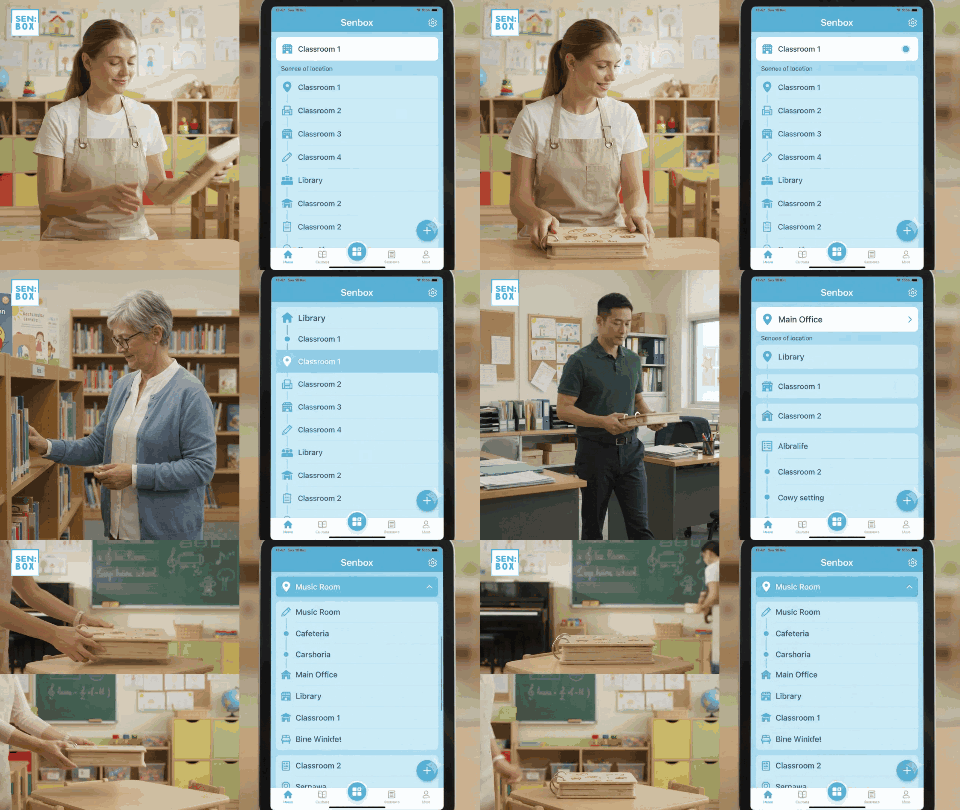
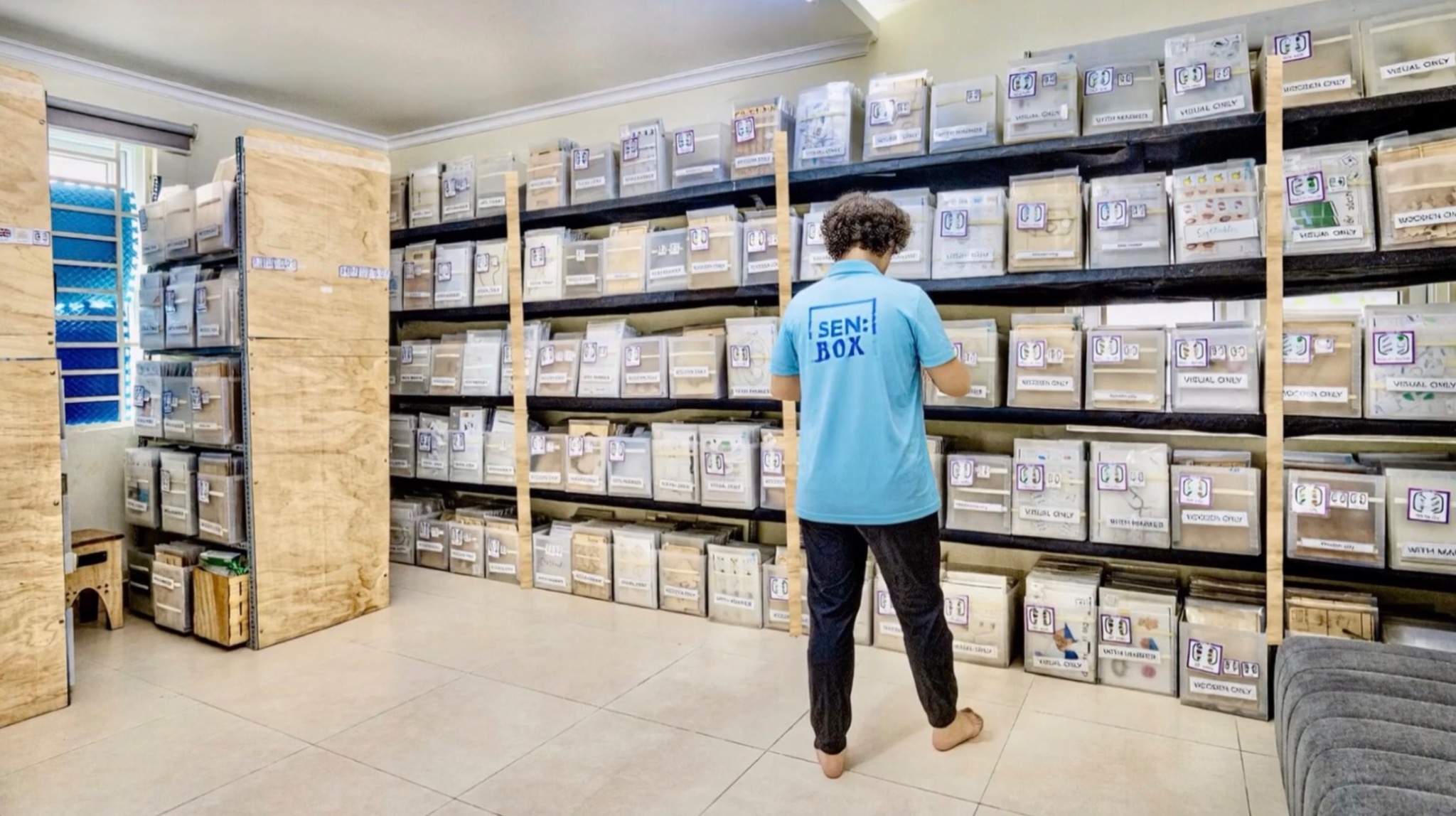
Link digital tasks, printable activities and physical teaching materials to individual goals. Connect inventory with lesson planning so teachers can see where resources are stored and whether they are available or in use. Discuss specialised material production when a standard resource is insufficient.
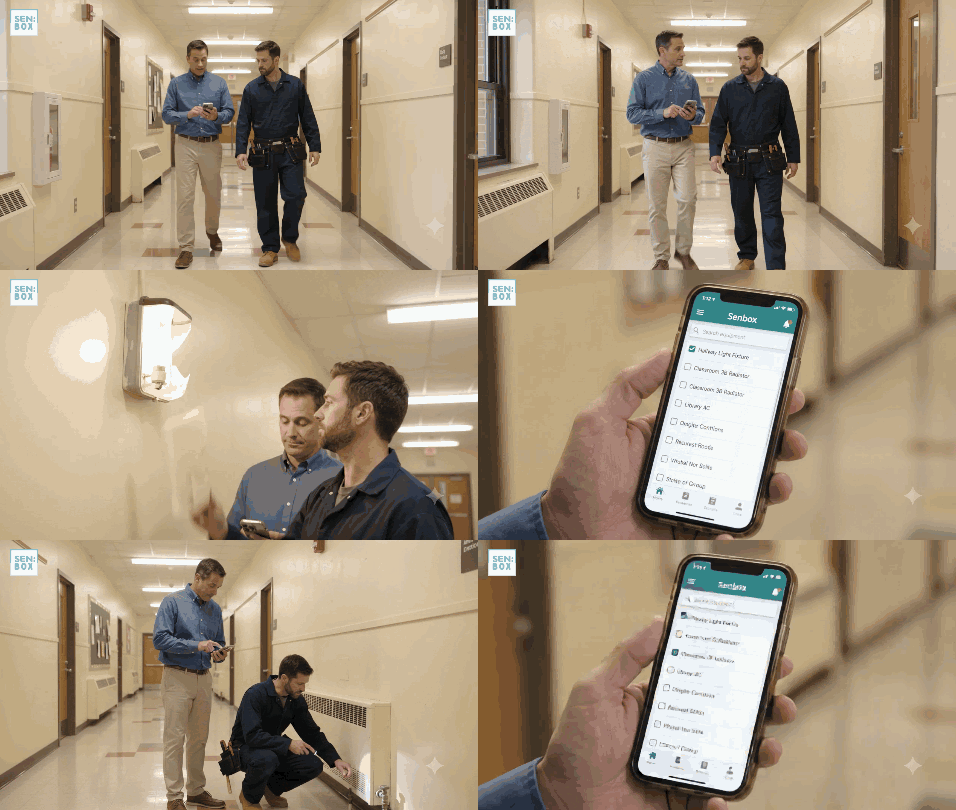
Resources ready for teachingConnect teaching materials with their classroom locations and lesson planning.Repair trackingKeep equipment and resource repair needs visible to your team.
40,000 resources.A structured path for each learner.
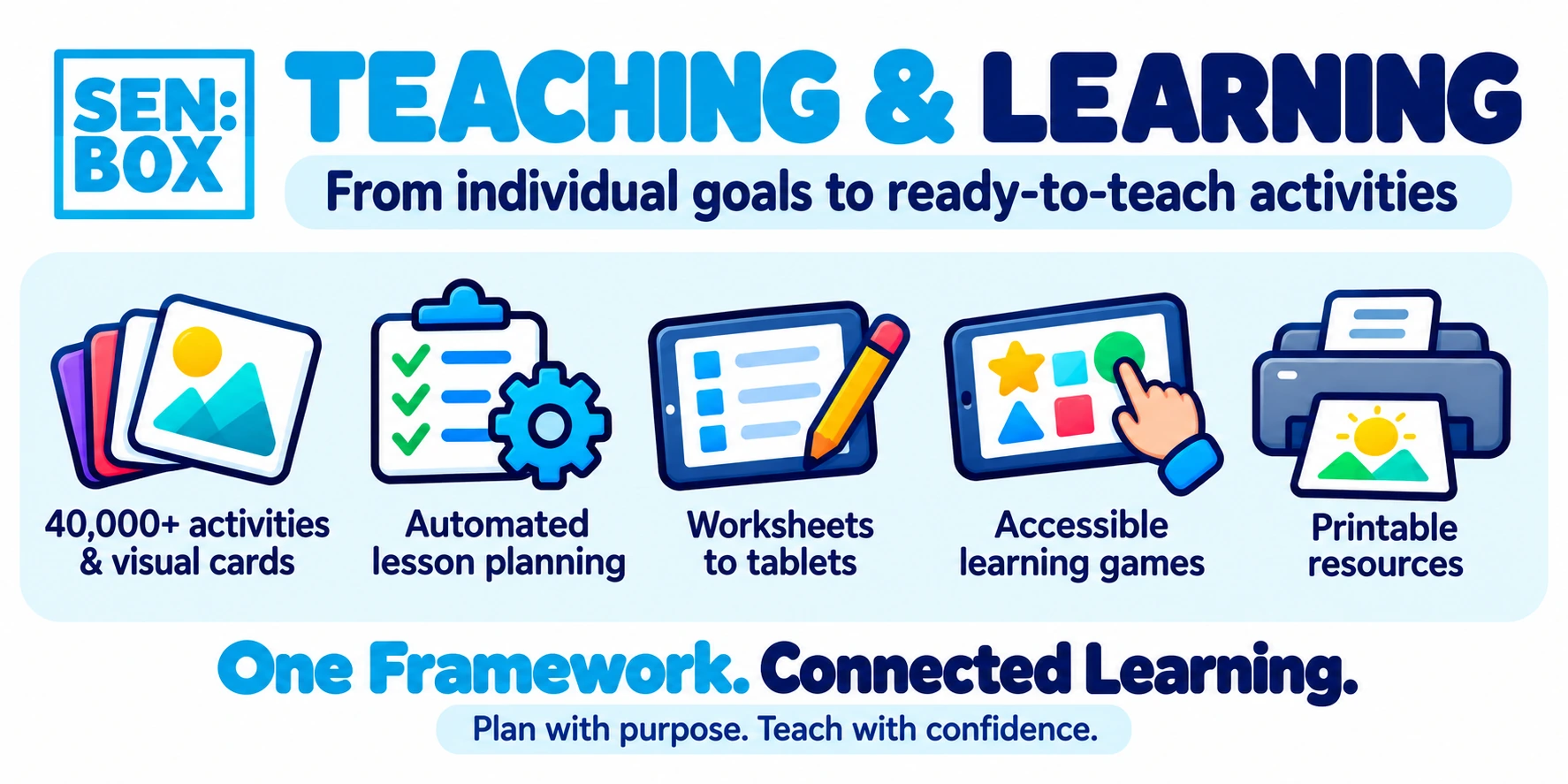
SENBOX connects 40,000 teaching resources with structured teaching steps, instructional videos, and individual learning plans through the LMS. Teachers can access both the materials and guidance for using them within the same system.
Materials and teaching guidance, together
Find the resource, follow the teaching steps, and access instructional videos within the same system, connected to the learner’s individual plan.
More than 220 vocabulary items across 900 levels
Select tasks at an appropriate level for each learner’s current skills and learning goals. The structured resource library supports personalised task selection.
Individual tasks linked to your curriculum
Link individual tasks and learning goals to US Common Core standards and Common Core–linked curricula, or to Singapore, UK, Australian, New Zealand and other curriculum frameworks. This connects personalised instruction with the curriculum your school follows.
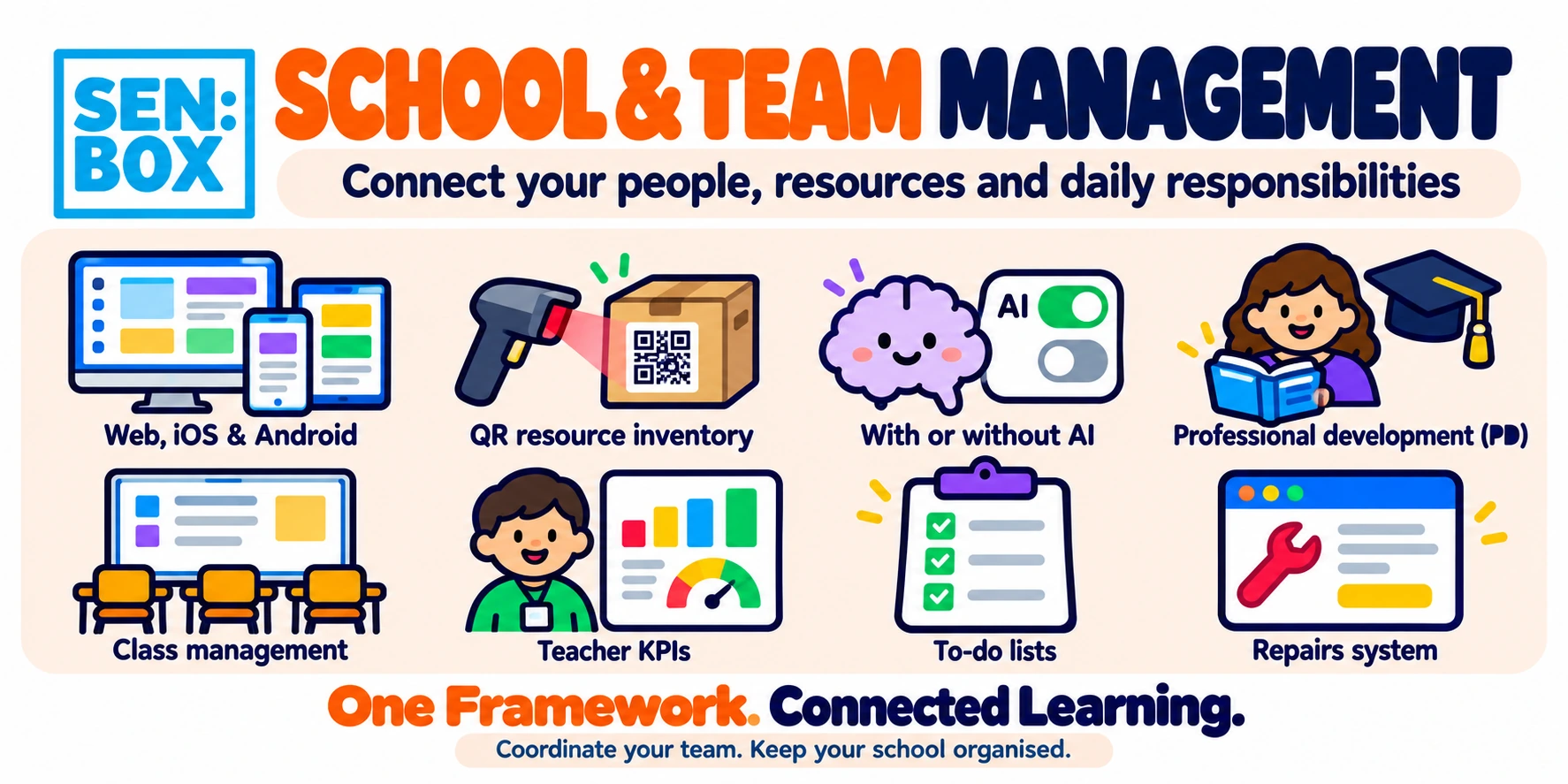
Eight systems and services bring learning delivery and team operations together. Confirm current modules and inclusions for your account.
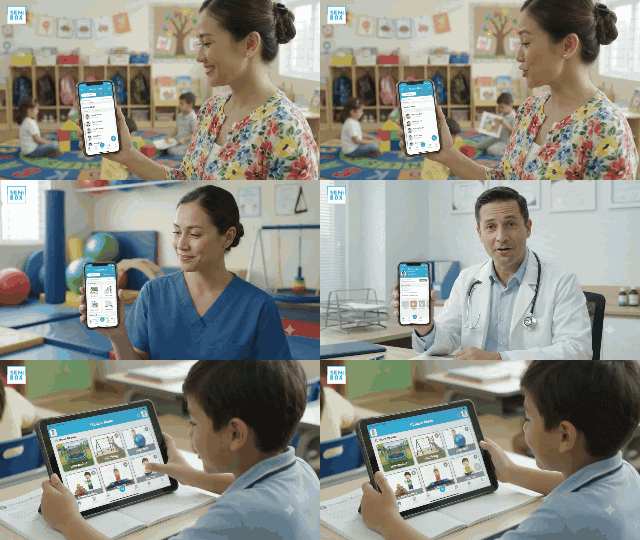
Staff KPIs and professional developmentConnect staff oversight with training and professional growth.Teacher, therapist and doctor modesSupport different professional roles within a coordinated learner programme.
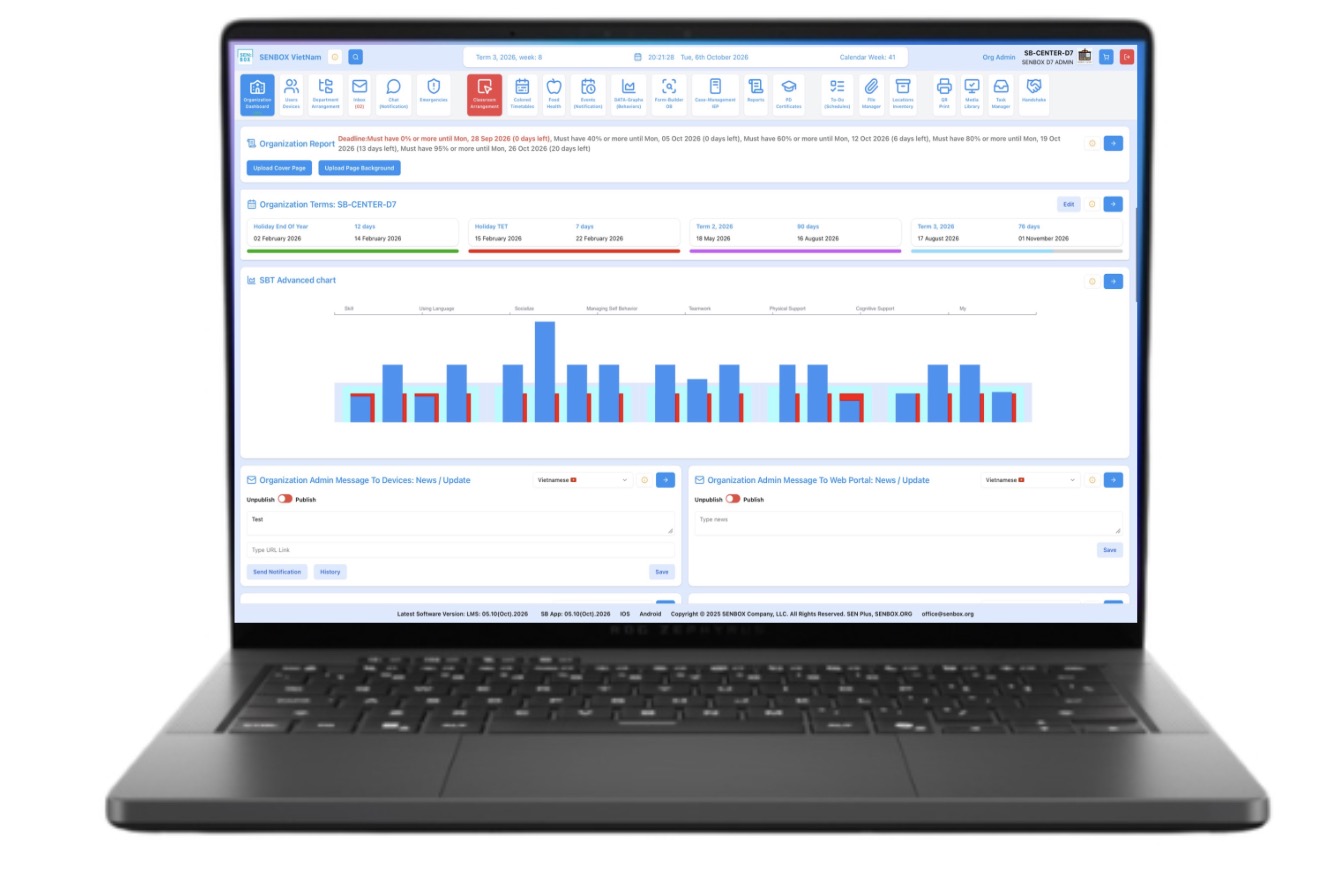
LMS & lesson records
Plan and deliver lessons, collect learning data and connect progress reports to the records behind them.
Individual education planning
Link learner observations, IEP goals, strategies and practical activities.
Resources & inventory
Connect physical teaching materials with digital planning and resource organization.
Teacher training
Build practice through framework training, teaching guidance and WIKISEN.
KPI tracking
Support supervision and staff development through agreed performance indicators.
Invoice handling
Connect invoice handling with the wider service workflow.
Live translated chat
Support team and family communication across languages.
Case & family coordination
Connect learner records, responsibilities, parent access and progress reviews.
“SenBox also provides a critical training framework for new and developing teachers to learn how to work with students with disabilities.”
Kristin Sohl, MD, FAAPProfessor of Pediatrics, University of Missouri Health Care; Executive Director, ECHO AutismProfessional letter · 4 January 2024
Progresstracking
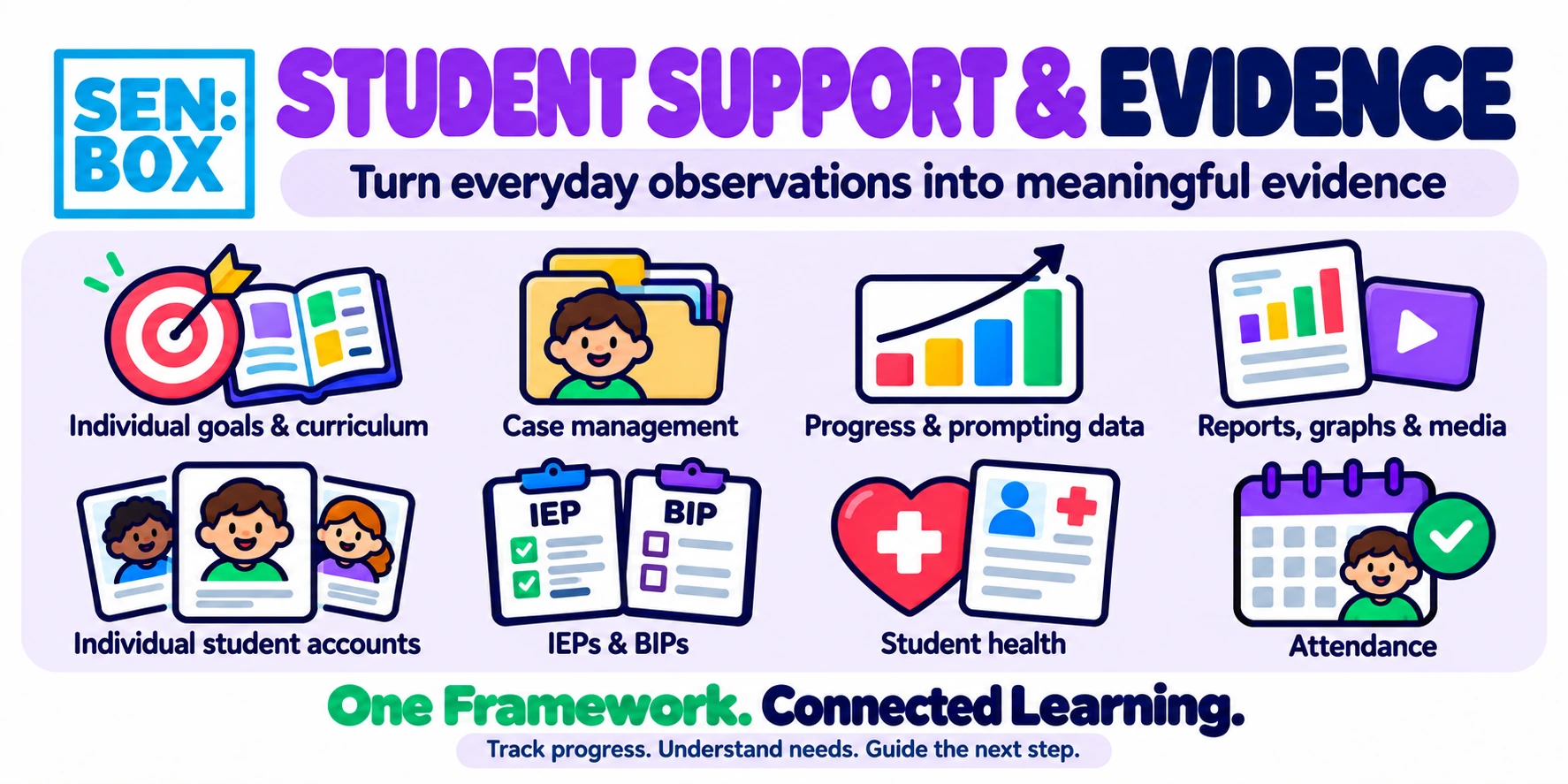
Record performance, independence, prompting and time during learning. Track behaviour through what happened before, during and after an event, alongside frequency, duration, intensity and environmental factors. Use this evidence to inform teaching decisions and build stronger reports.
Individualized planning, IEP& BIP workflows
Connect learner needs, goals, strategies and activities. Bring assessment history and structured observations into planning across communication, academics, behaviour, sensory needs, daily living and independence.
IEP planning and automatic schedulingIndividual plans connected to the teaching schedule.
“Any curriculum or learning standards can be integrated”
Ian R. Margreiter, Ed.S.Retired special education administrator and teacherProfessional recommendation · 3 October 2026
Your IEP layout. Your requirements.
The SENBOX IEP builder offers fully customisable layouts that can be configured to match the document formats required by your state, country or school. Adapt the structure, sections and presentation to your local requirements.
IEPs can also be presented in a parent-friendly format, making the learner’s goals, planned support and progress easier for families to understand and discuss with the school.
Organise IEPs, assessments, observations, progress reports and learning evidence around one learner programme. Give teachers, specialists and learning assistants shared priorities, preserve knowledge during staff changes and support transitions between classrooms.
Coordinated case managementBring learner goals, records and team responsibilities together.Red flag alertsBring concerns to the team’s attention for review and follow-up.
One LMS. 45 languages.
The SENBOX LMS is available in 45 languages, with built-in translation features across all areas and modes. Teams can work in their preferred language, including through live translated chat that supports communication between staff, specialists and families.
Multidisciplinary case management
SENBOX supports multidisciplinary teams within case management through text and video messages. Teachers, therapists and other specialists can share observations and updates to coordinate support around the learner’s individual goals.
Digital signatures for documents. SENBOX also supports digitally signing documents within the LMS, keeping document signing connected to your team’s workflow.
Status updates and red-flag alerts. Integrated status and red-flag systems alert users to due dates and issues that need attention, helping teams follow up on outstanding tasks and coordinate their response.
Professional development. Ready to use or build your own.
SENBOX offers a library of 4,000 professional development articles for teachers and parents, with certificates. Schools can choose from the library or build their own PD units with videos, tailoring learning to their team’s and families’ needs.
Familycommunication
Bring current goals, progress, evidence, concerns and recommendations together before parent meetings and IEP reviews. Give families a clearer picture of what has been taught, what has changed and what should happen next.
LMSdashboard
Visualcommunication
Practicalteaching resources
WHAT MAKES SENBOX DIFFERENT
The tools you use. The teaching you deliver.One connected service.
An LMS linked to physical resources
Choose an activity, prepare the teaching materials and keep both connected to the learner’s individual plan.
Lesson data becomes your report
Teaching activities, learner performance and teacher comments feed a fully automated reporting system through the live LMS–app connection. AI is optional; reporting does not require AI.
A clearer service for families
Connect goals, lesson records and progress updates so families can understand what support is helping and what to practise next.
FEATURE AVAILABILITY
Confirm what youcan use now.
Current tools
Ask for a demonstration of the features, languages, resources and support available for your account.
Planned additions
Keep planned functions separate from the tools confirmed as available in your agreement.
Teaching resources
Explore activities, visual supports, AAC resources, academic tasks and life-skills materials organized by topic and level.